What is publicly visible on a GitHub profile
Your GitHub profile is often the first thing a stranger sees before they decide whether to trust your work.
That makes it a powerful credibility tool, and also a place where personal details can leak further than you intended.
GitHub's documentation is blunt: any details on your public profile are visible to all GitHub users.
That includes regions where local laws or cultural norms may pose risks to expressing your identity.
The platform explicitly respects your decision about whether or not to share information about yourself at all.
So the question is not whether to personalize your profile.
It is which fields earn their place, and which ones create risk without adding proof.
This guide walks through your profile field by field so you can make a deliberate choice for each one.
Before deciding what to add, know what strangers can see.
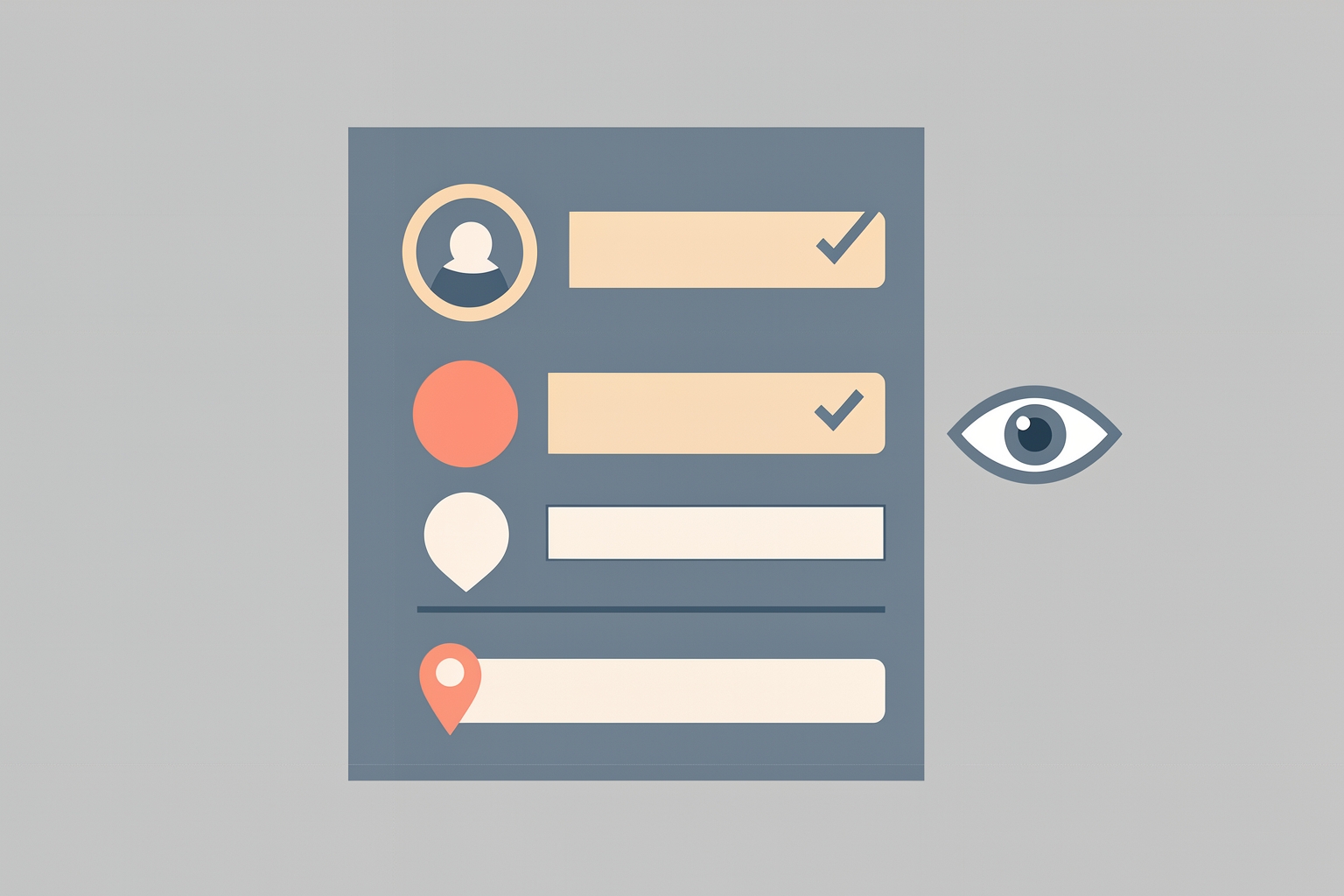
According to GitHub's documentation, your profile includes these customizable elements:
- A profile README, shown at the top of your page
- Personal info: profile picture, name, pronouns, and bio
- Contribution activity that visualizes your work
- Pinned repositories and gists
- A status showing your availability and current work
- Achievements and badges
Everything you add to these areas is public by default.
GitHub also offers a private profile option, but it is all-or-nothing.
A private profile hides information from all users, with no option to let specific users see your activity.
That matters because you cannot partially share.
You either show a field to everyone or hide it with everything else.
Name
Your display name is the lowest-risk, highest-value field for most people.
If you want collaborators, employers, or community members to recognize you, using your real name or a consistent professional handle helps.
If you contribute under a pseudonym for safety reasons, keep the pseudonym consistent across your work so your contributions still build a traceable record.
The tradeoff is simple: a real name builds trust faster, a pseudonym protects identity.
Choose based on your actual exposure, not on what looks more professional in the abstract.
Profile picture
A clear photo or a recognizable avatar helps people connect your GitHub activity to the rest of your work.