What visibility actually controls
Every GitHub user eventually faces the same fork in the road: keep a repository private, or flip it to public.
The choice affects who can see your work, what shows up on your profile, and how much of your process stays yours.
This guide walks through what each option actually changes, the tradeoffs for different situations, and a practical way to decide without overthinking it.
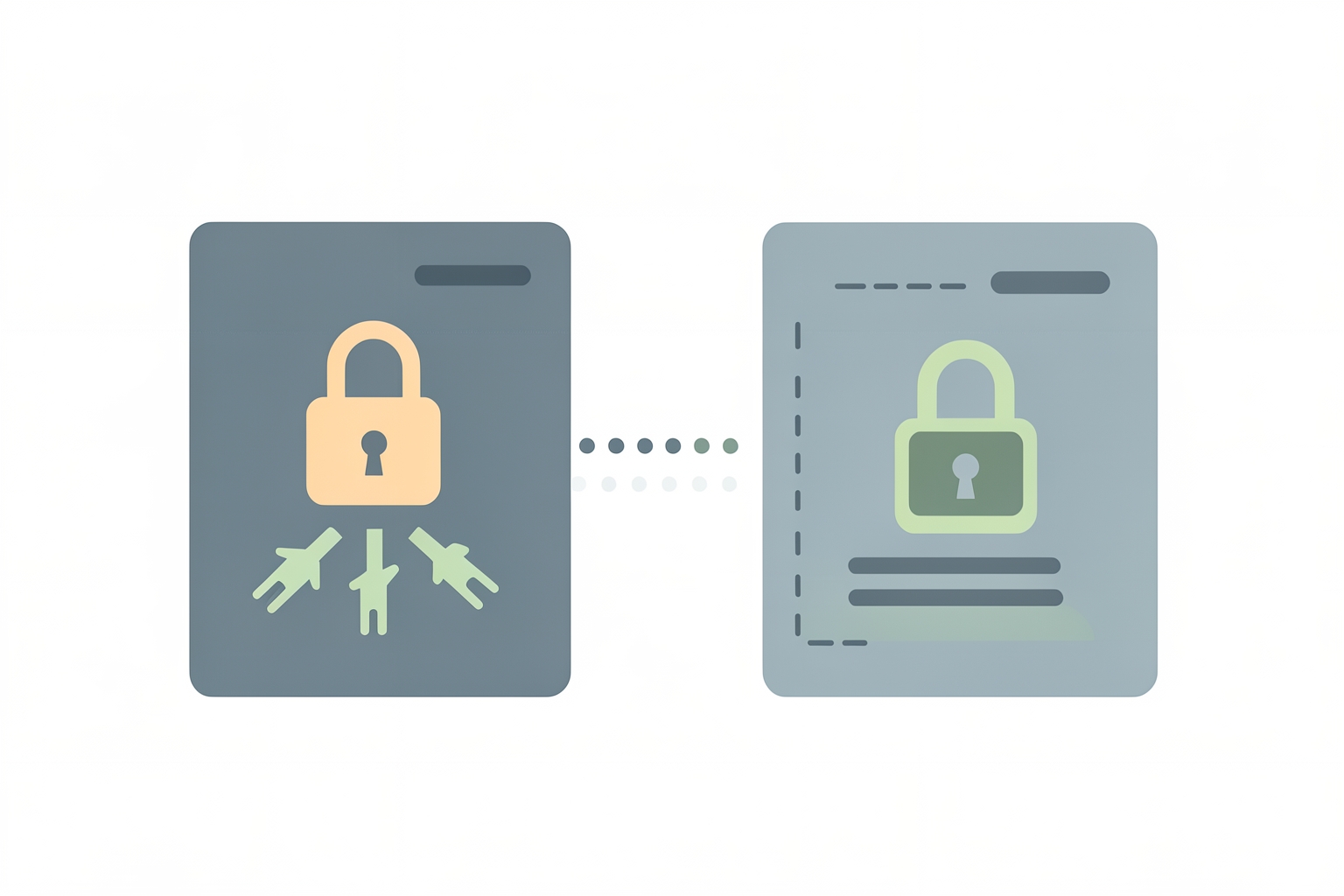
A private repository is visible only to you and the collaborators you explicitly invite.
A public repository can be viewed, cloned, and forked by anyone on GitHub.
That is the core difference, but its consequences ripple further than most beginners expect.
Visibility also shapes your profile.
By default, your contribution graph and achievements only show activity from public repositories, according to GitHub's documentation.
Private repository activity can be included, but the details are anonymized when you enable that setting GitHub contributions documentation.
So a repo full of hard work that stays private contributes nothing visible to your public track record unless you opt into anonymized counting.
Your profile itself has its own visibility layer.
GitHub lets you make your entire profile private, which hides your contribution graph, activity feed, follower counts, and more.
Even then, your README, bio, and profile picture remain publicly visible GitHub profile documentation.
Repo visibility and profile visibility are separate decisions, and it helps to think of them that way.
The case for going public
Public repositories turn code into evidence.
When a founder, freelancer, or student can point to a working project, a clear README, and a visible commit history, they no longer have to argue about capability.
The work speaks.
This matters most when your goal is opportunity.
Recruiters, potential collaborators, clients, and community members all use public work as a filter.